Case study
Fenado AI
Agentic AI platform that turns text prompts into functional web applications.
50K
users generating apps
Full-stack
output from one prompt
Real-time
WebSocket generation
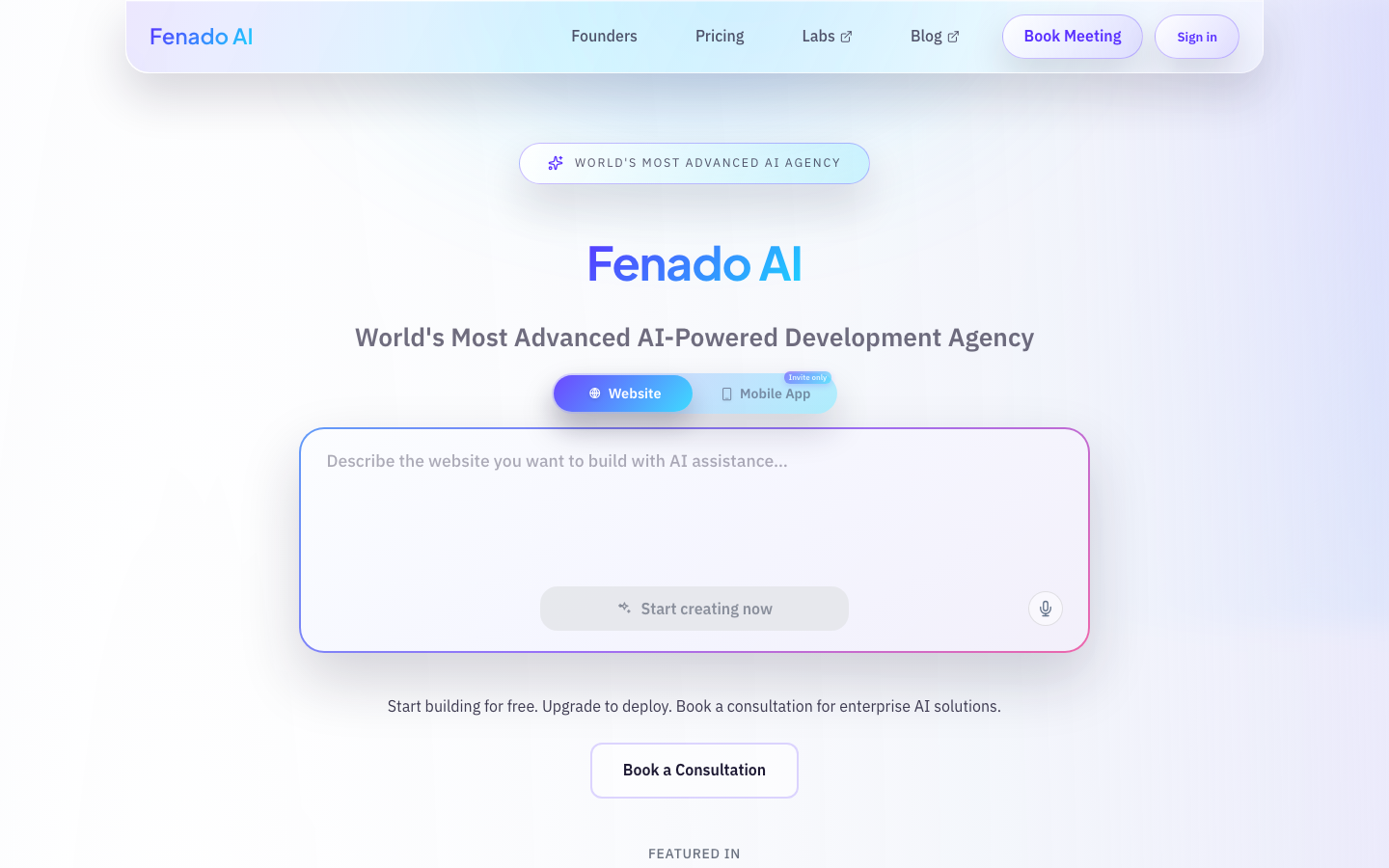
The challenge
An AI that writes code, not snippets
Most AI code tools produce fragments. A function here, a component there. Fenado's founder wanted something different: a platform where a user types "build me an inventory management system" and receives a working application with a React frontend, FastAPI backend, MongoDB database, and JWT authentication. No manual wiring. No copy-paste assembly.
The technical problem had three layers. First, the AI agent needed to decompose a vague prompt into specific screens, data models, and API routes. Second, each screen needed to render in real time over WebSockets so users could watch their application take shape. Third, the output had to compile and run. Broken imports or missing dependencies would kill trust on the first generation.
The business model required Stripe subscription billing at three tiers ($199/mo, $1,999/mo, $9,999/mo), team collaboration with per-member budget controls, and a macOS desktop app for local development. All of this needed to ship as one product.
What we built
Prompt in. Application out.
Agentic AI pipeline with LangChain
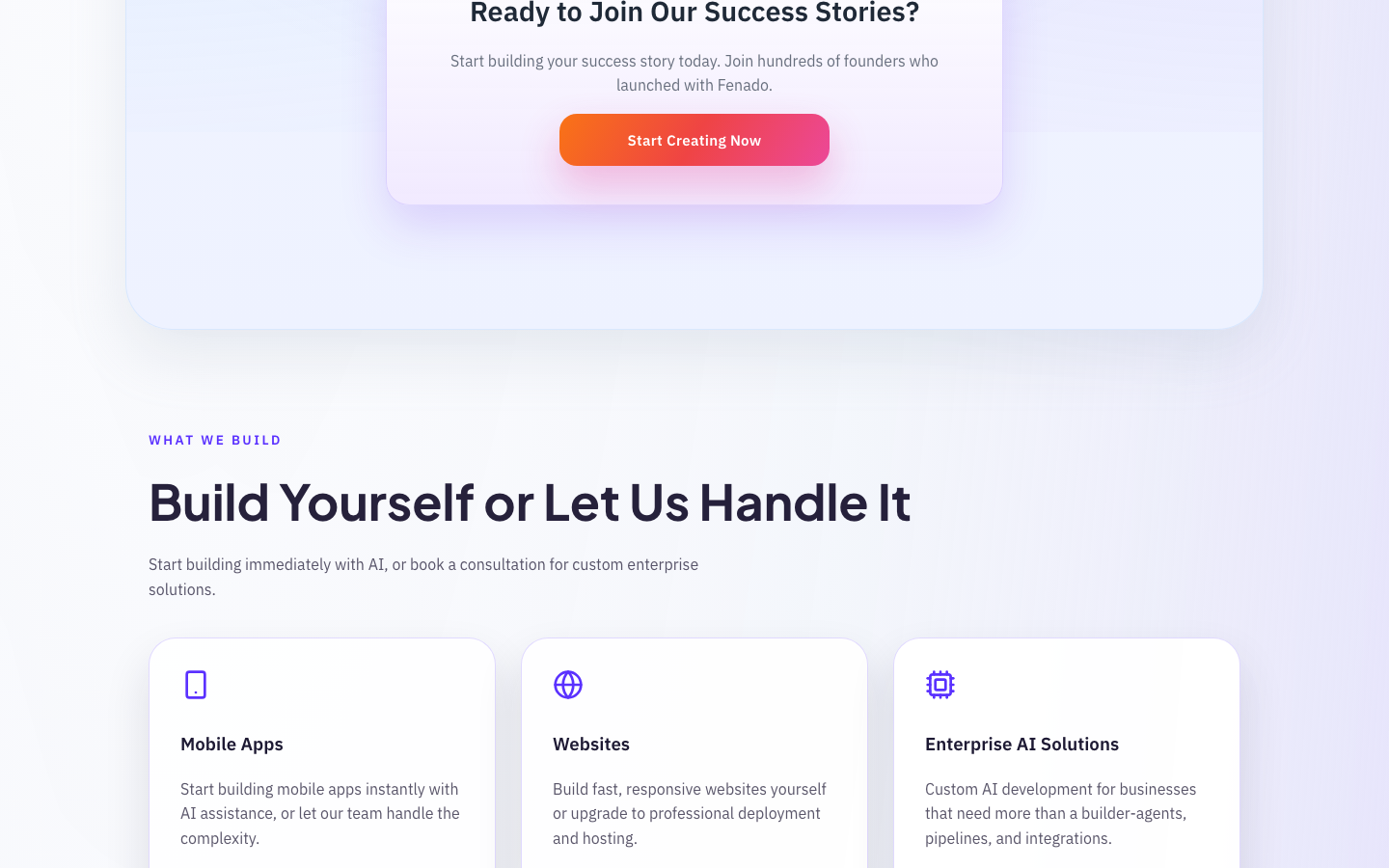
A user submits a text prompt. LangChain agents break that prompt into a structured plan: screens, data models, API endpoints, and component hierarchy. Each agent handles one concern. The planner agent maps the application architecture. The designer agent generates screen layouts. The code agent writes React components and FastAPI routes. The agents coordinate through a shared state graph, passing artifacts forward without re-prompting.
Real-time generation over WebSockets
Users watch their application assemble in the browser. As each LangChain agent completes a step, the server pushes the result through a WebSocket connection. Screen designs appear one at a time. Code files stream into the project tree. Progress indicators show which agent is active and what it produces. This feedback loop turned a 60-second wait into an engaging build experience that kept users on the page.
Full-stack application output
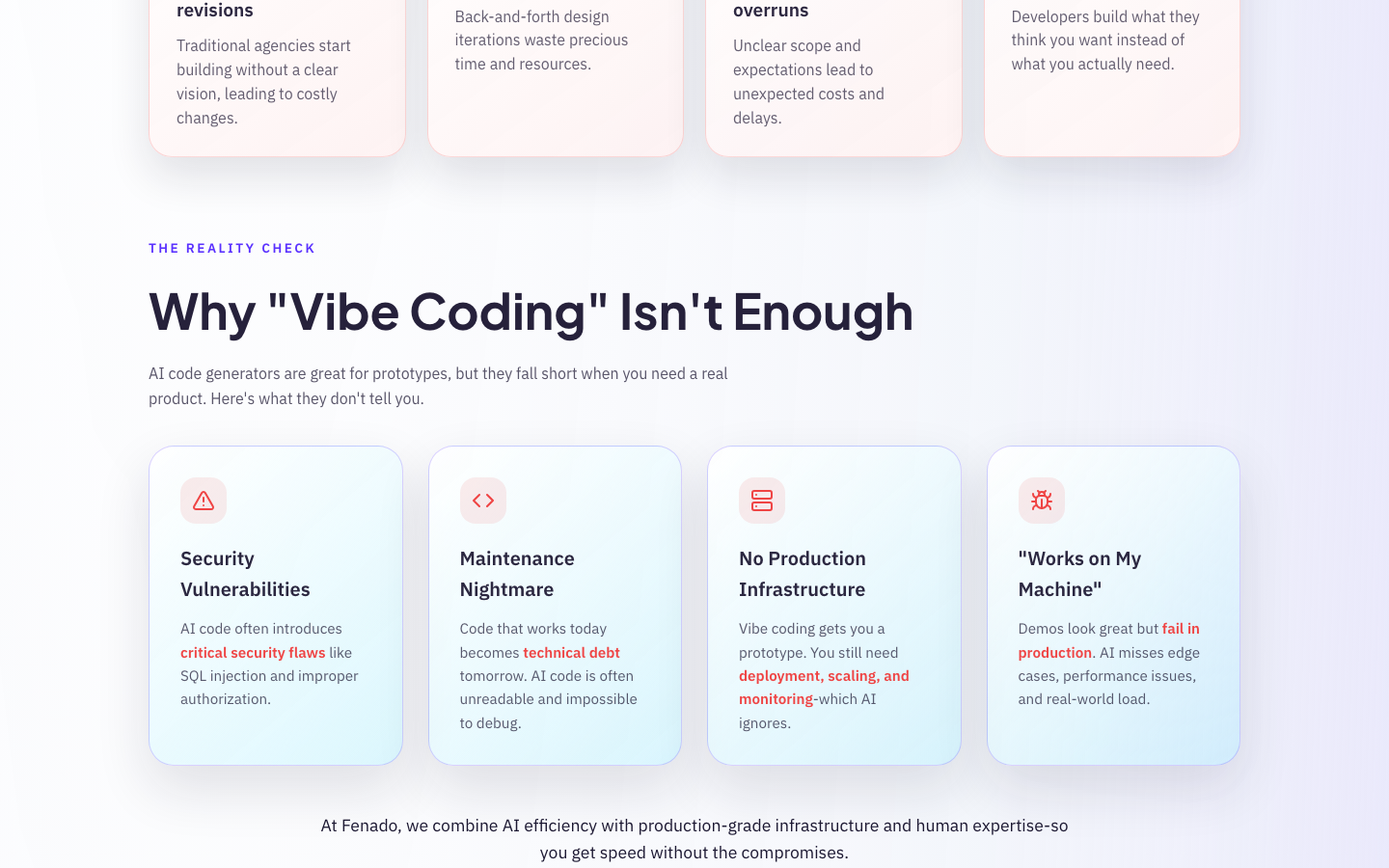
Every generated application ships with a React 19 frontend using shadcn/ui components, a FastAPI backend with MongoDB, and JWT authentication baked in. The template system enforces consistent project structure: API routes follow RESTful conventions, database models include validation, and the frontend connects to the backend through typed API clients. Users download or deploy a project that runs with a single command.
Stripe billing and team collaboration
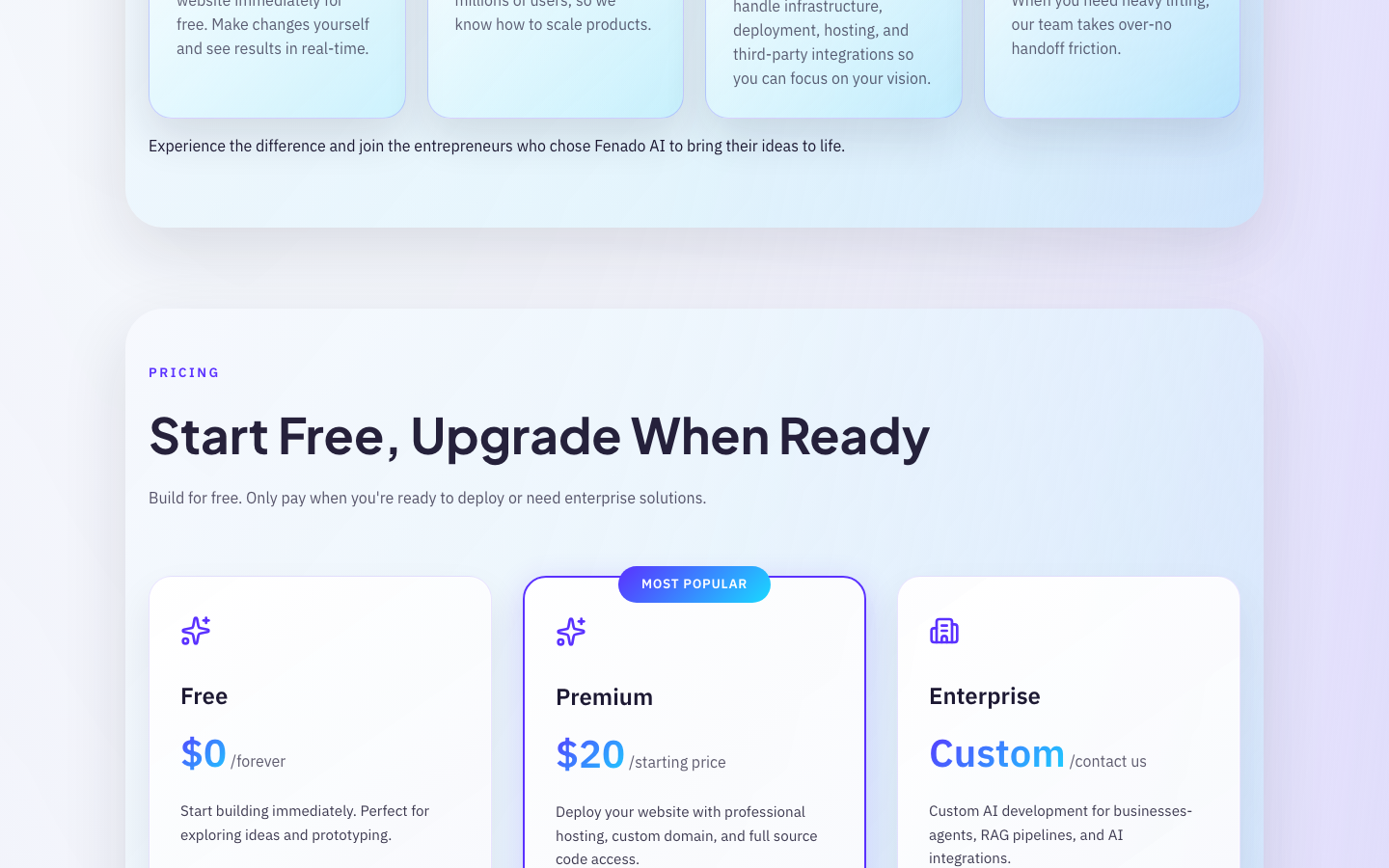
Three Stripe subscription tiers control access: Business at $199/mo, Business Plus at $1,999/mo, and Business Express at $9,999/mo. Each tier sets generation limits and feature gates. Team owners invite members through email, assign per-member budgets, and track generation usage across the organization. Stripe webhooks handle upgrades, downgrades, and failed payments without manual intervention.
Platform infrastructure
- Screen-by-screen AI design generation. The planner agent maps each screen before the code agent writes it, so the output follows a coherent visual hierarchy.
- macOS desktop app for local development. Users generate applications in the browser, then open them in the desktop app to edit, run, and deploy from their machine.
- Firebase authentication with role-based access control, separating individual users from team owners and organization members.
- Template system with opinionated defaults: FastAPI + MongoDB on the backend, React 19 + shadcn/ui on the frontend, and JWT auth pre-wired across both layers.
Architecture
How the pipeline works
Step 1
Prompt intake
The user describes what they want in plain text. The planner agent parses the prompt into a structured specification: screen count, data entities, relationships, and authentication requirements.
Step 2
Screen design
The designer agent generates screen-by-screen layouts. Each screen maps to a route in the final application. Component placement, data bindings, and navigation flow are defined before any code is written.
Step 3
Code generation
The code agent writes React components, FastAPI routes, MongoDB models, and JWT middleware. Each file streams to the client over WebSockets as it completes. The output follows the template system's conventions.
Step 4
Output
The assembled project includes a working frontend, backend, database schema, and authentication layer. Users download the project or open it in the macOS desktop app. The application runs with a single command.
Tools
 Next.js
  React
React  TypeScript
  Tailwind CSS
  LangChain
  FastAPI
  MongoDB
  Firebase
  Stripe
  WebSockets
 Results
Production numbers
50K
users generating functional web applications
Full-stack
frontend + backend + API from a single prompt
3 tiers
Stripe subscription plans from $199 to $9,999/mo
Related reading
AI coding assistants: what they can and can't do for your product
84% of developers use AI coding tools. They ship boilerplate 30-50% faster. They also generate 2.74x more security vulnerabilities. Here's how to get the speed without the risk.
How to choose a tech stack for your startup in 2026
Your tech stack won't make or break your startup. Your hiring pool and development speed will. Here's a framework for picking tools that ship fast and scale later.
How to write a PRD that developers can ship from
A practical template for product requirements documents that engineering teams can turn into working software. No fluff, no 40-page specs.
Get in touch
Start a conversation
Tell us about your project. We'll respond within 24 hours with a clear plan, estimated timeline, and pricing range.
Based in
UAE & India
Message received
We'll review your project and get back to you within 24 hours.
You can also reach us at hello@savibm.com